
The work, and everything about it, in one window
A desktop to-do list for people whose work is more complicated than a checklist and less complicated than a project-management suite. It runs on your own computer, and so does its AI.
The same work, however you need to see it
Real screenshots of the running app, not mock-ups. Pick one.
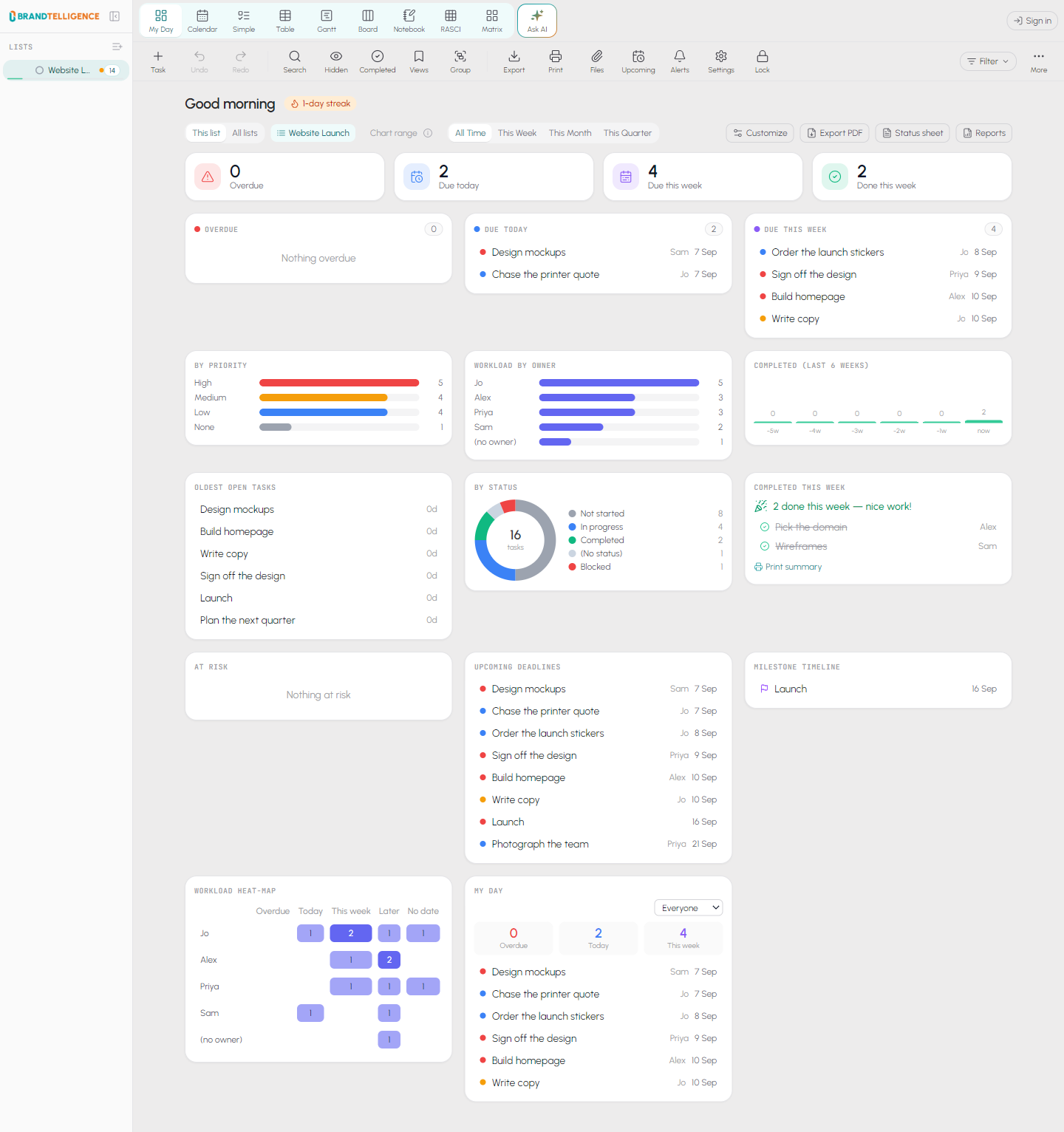
What actually needs you today
Overdue, due today, due this week, workload by person and what has been sitting longest — before you have opened a single list.
What it does that the others do not
Your work stays on your computer
Tasks and notes live in a file on your own PC. There is no account to create and nothing is uploaded unless you deliberately turn on sharing.
The AI runs on your machine too
Download a model once and it works offline, with no subscription and no key. Your work is never sent anywhere to be read.
Nine views, one set of tasks
My Day, Calendar, Simple, Table, Timeline, Board, Notebook, RASCI and the Priority Matrix. Change something anywhere; everywhere else is already right.
Share a list without handing over everything
Share one list with someone outside your company. They see that list. They do not see anything else you have.
It tells you, through Windows
Due-time reminders arrive as real Windows notifications, and local snapshots are taken automatically so a bad afternoon is one click to undo.
One key for the company
A single licence key covers your organisation, one seat per computer. Replace a laptop and we free the seat — no reinstall dance.
Two steps, and you are working
Install it, then enter a licence key. If you do not have a key yet, ask for one below — you can install and start using it while you wait.
Download it
Nothing is published for download just yet. Ask us for a key below and we will send you the installer with it.
Get a licence key
One key covers your whole company, and each computer activates against it. Tell us how many computers you need and we will send it. Nothing you add while you wait is lost when it arrives.
Ask for a keyAlready have one? Enter it in the app under Settings, then Licence.
Everything you create stays on your own computer.
BrandTelligence staff — sign in to the console.